
Renovation checklist app
Tasks Nest helps you move beyond a basic checklist by keeping renovation tasks, progress, timing and project context together in one system.
Why basic renovation checklists stop being enough
A plain checklist helps at the start, but once the project becomes active you need more than tick boxes.
You need progress, timing, notes, people and costs to stay closer together.
A good renovation checklist app should help you manage the project, not just list tasks
- Capture the tasks
Start with a clear task list that reflects the real work ahead.
- Add timing and context
A task becomes more useful when it is linked to due dates, notes or budget context.
- Keep progress visible
The app should make it easier to review what is done, what is due and what still needs attention.
How Tasks Nest works as a renovation checklist app
Tasks Nest gives you a practical checklist workflow while also keeping project timing, cost tracking and people in the same organised system.
- Turn checklist items into real renovation tasks.
- Keep project progress easier to review.
- Reduce scattered notes and duplicate task lists.
- Stay closer to the wider renovation context.
Use more than a tick-box list
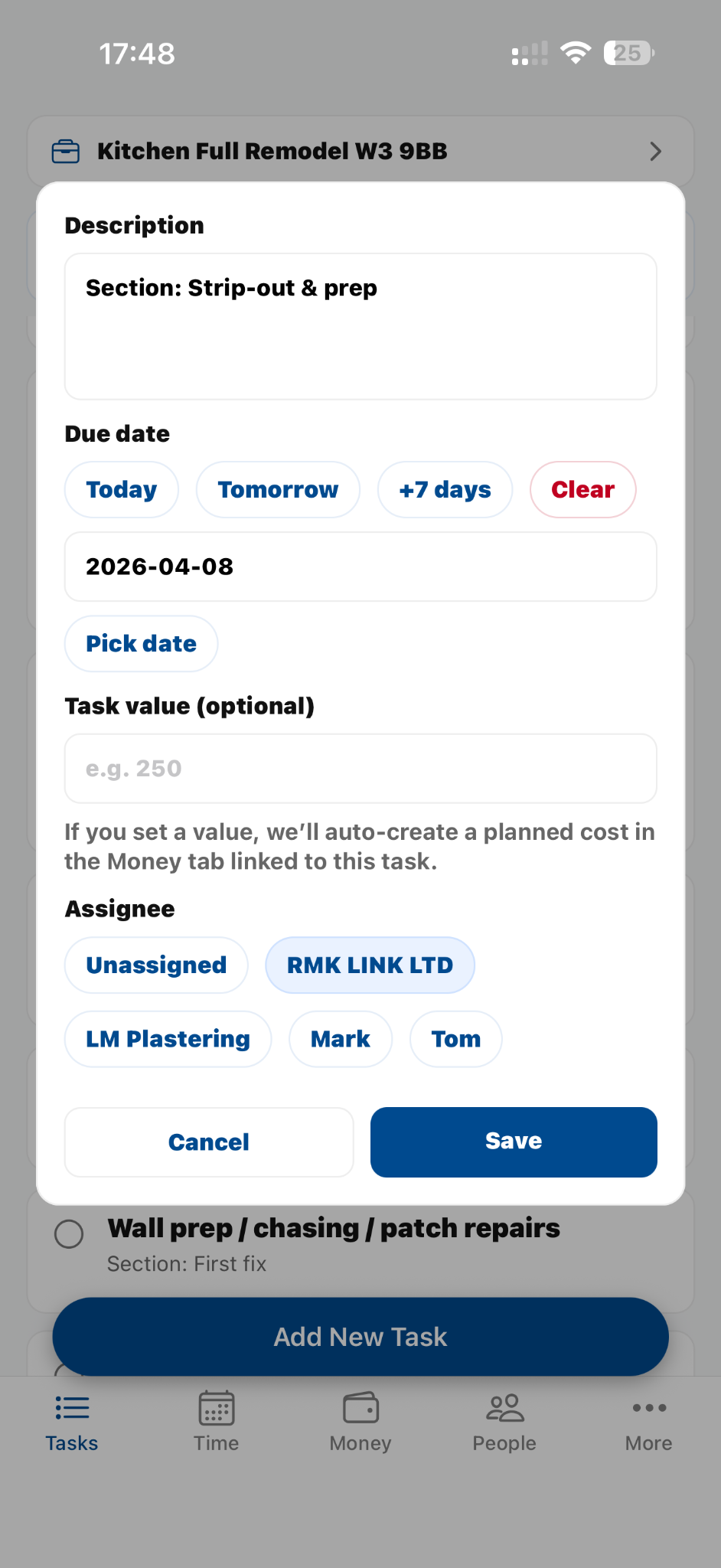
Tasks Nest supports checklist thinking without forcing the project into disconnected lists.
Questions people often ask
Is this different from a normal checklist app?
Yes. It is project-based, so tasks sit alongside timeline, money and people.
Can I use it for one room only?
Yes. Smaller projects still benefit from a clearer place to keep tasks organised.
Can I start with templates?
Yes. Built-in templates help you start faster for common renovation jobs.
Related pages
Ready when you are
Use a renovation checklist that keeps the wider project visible
Get the app and keep tasks, timing and progress together in one organised system.