
Feature
Keep project notes where they belong
Tasks Nest helps you keep decisions, notes and project detail closer to the rest of the renovation, so context is easier to find when you need it.
Important details get lost when notes live everywhere
A renovation creates lots of information that is not always a task or a payment, but still matters. When that information is spread across chats, paper notes and documents, it becomes harder to rely on.
Keep context closer to the project
Tasks Nest notes are there to support the project, not sit separately from it. That makes it easier to keep key details, decisions and reminders connected to the renovation itself.
- Keep important context easier to find.
- Reduce dependence on scattered note-taking.
- Support better continuity across the project.
- Keep details closer to the work, people and decisions involved.
Useful for the details that do not fit neatly anywhere else
Notes help capture the practical context around a renovation, including reminders, decisions and project detail you do not want to lose.
Keep project detail closer to everything else
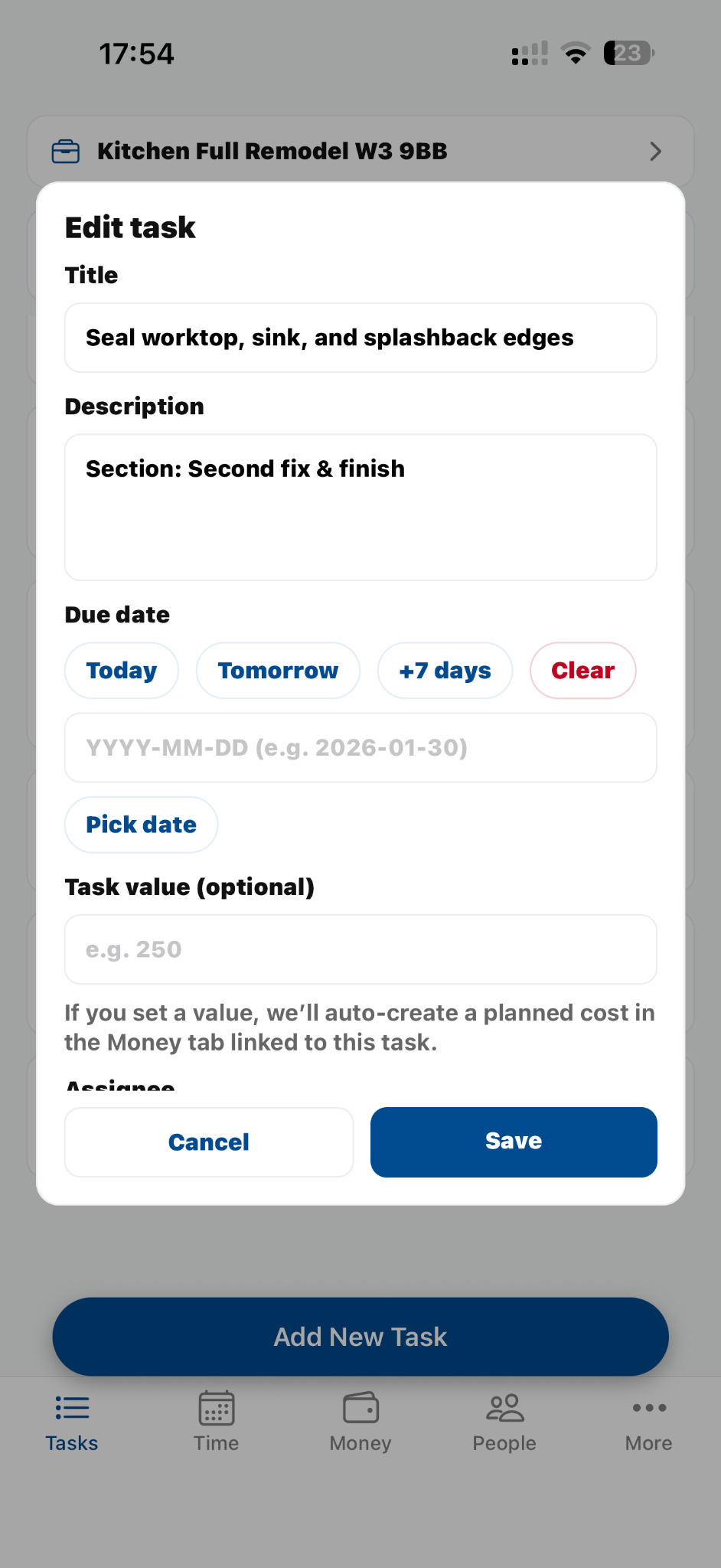
Support better continuity across the project and reduce scattered project information.
Frequently asked questions
Are notes separate from the rest of the app?
They support the wider project workflow, so they make more sense as part of the same organised system.
Is this just for personal reminders?
No. It can also support decisions, context and project detail that matter to the renovation.
Why not just use a notes app?
Because renovation notes are more useful when they stay closer to the project they belong to.
Related pages
Ready when you are
Keep project detail where you can actually use it
Use Tasks Nest to keep notes, context and decisions connected to the renovation.